With the popularity of NFT, some NFT prices on the Internet are sky-high. Seeing those people making NFT, do you want to have your own NFT? Today let's teach you how to create your own NFT
At present, the well-known NFT market includes Opensea and Rarible. When creating NFT, NFT information needs to be stored on the blockchain. This process needs to pay a commission, and the cost is not cheap. Blockchain has public chain and test chain, public chain is a cost, the test chain does not need to, in order to demonstrate, today we use an open source tool FInger NFT to teach you how to create NFT in the test chain.
The source is on Github:https://github.com/fingerchar/fingernft
First of all, before we can create NFT, we need to have our own wallet. My browser is Chrome, and my wallet uses Metamask,If you don't have one, you can download it from the Chrome App Store.
1. After entering the Finger NFT interface, click Connect your wallet to log in to the website.

2. Click Connect your wallet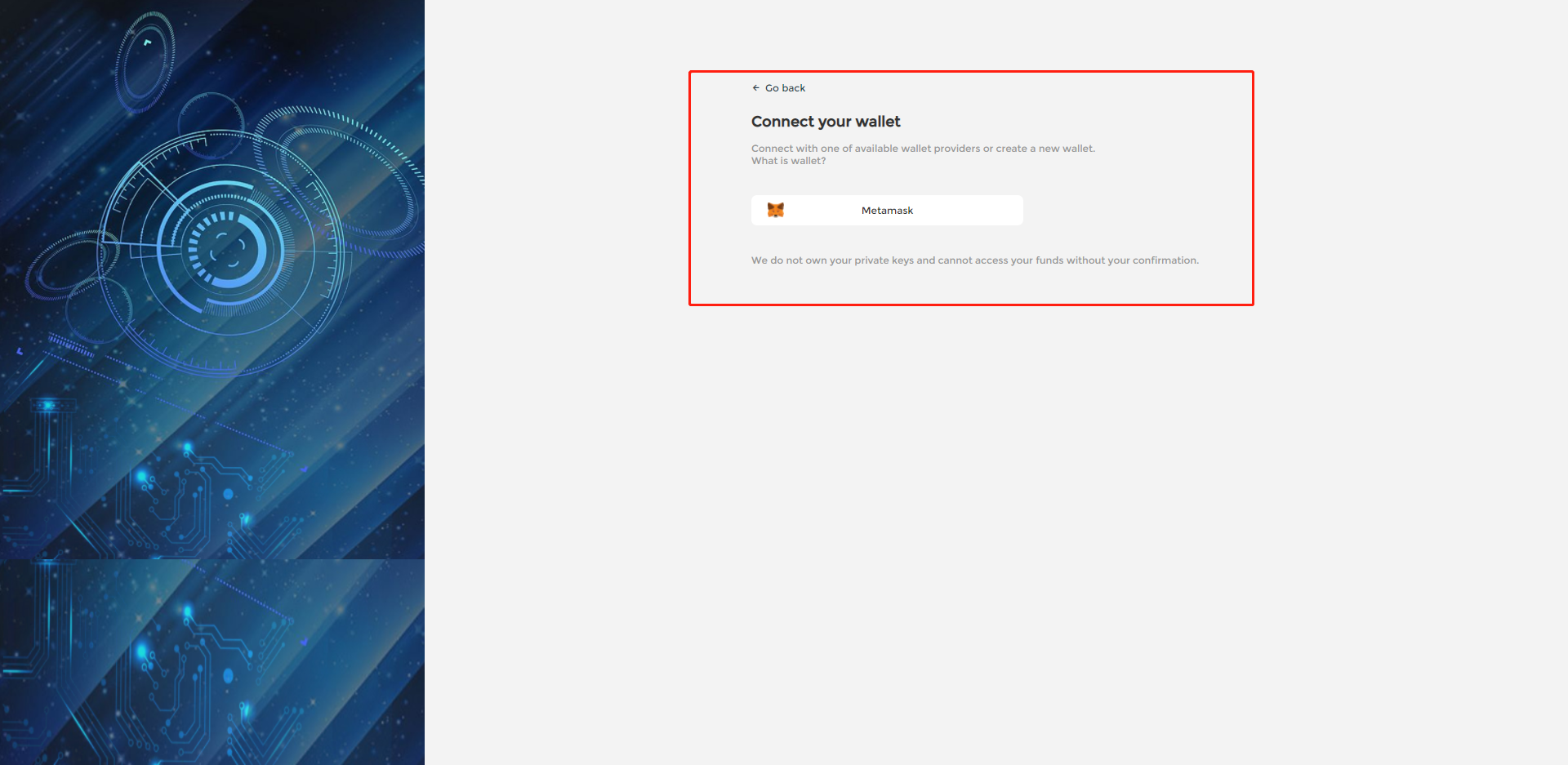
3. After the above click, metamask will pop up the signature box. Click the signature to bind your wallet
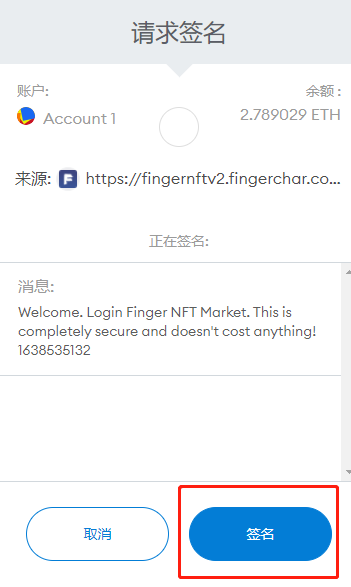
4. After binding the wallet, you can access your account
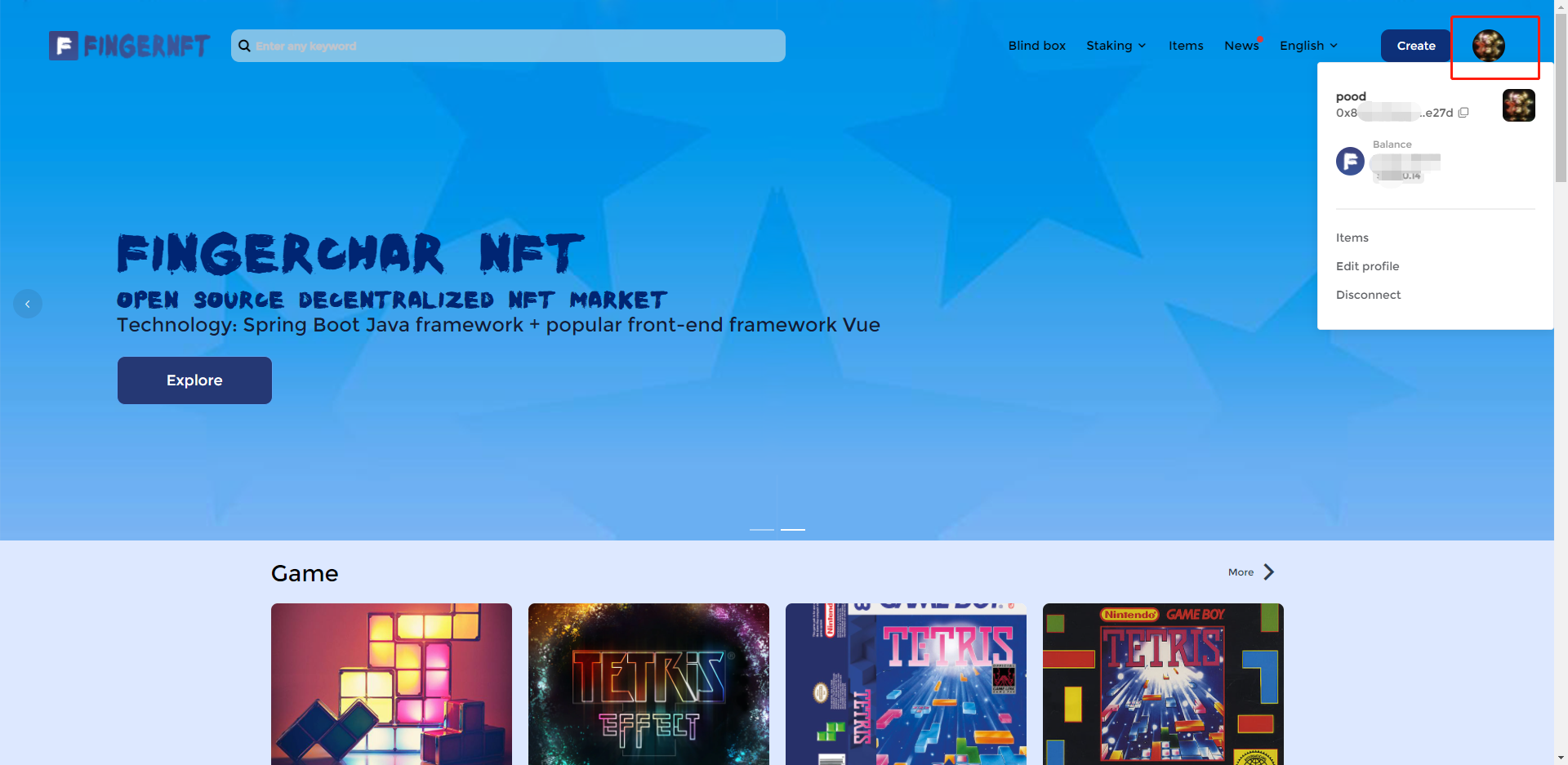
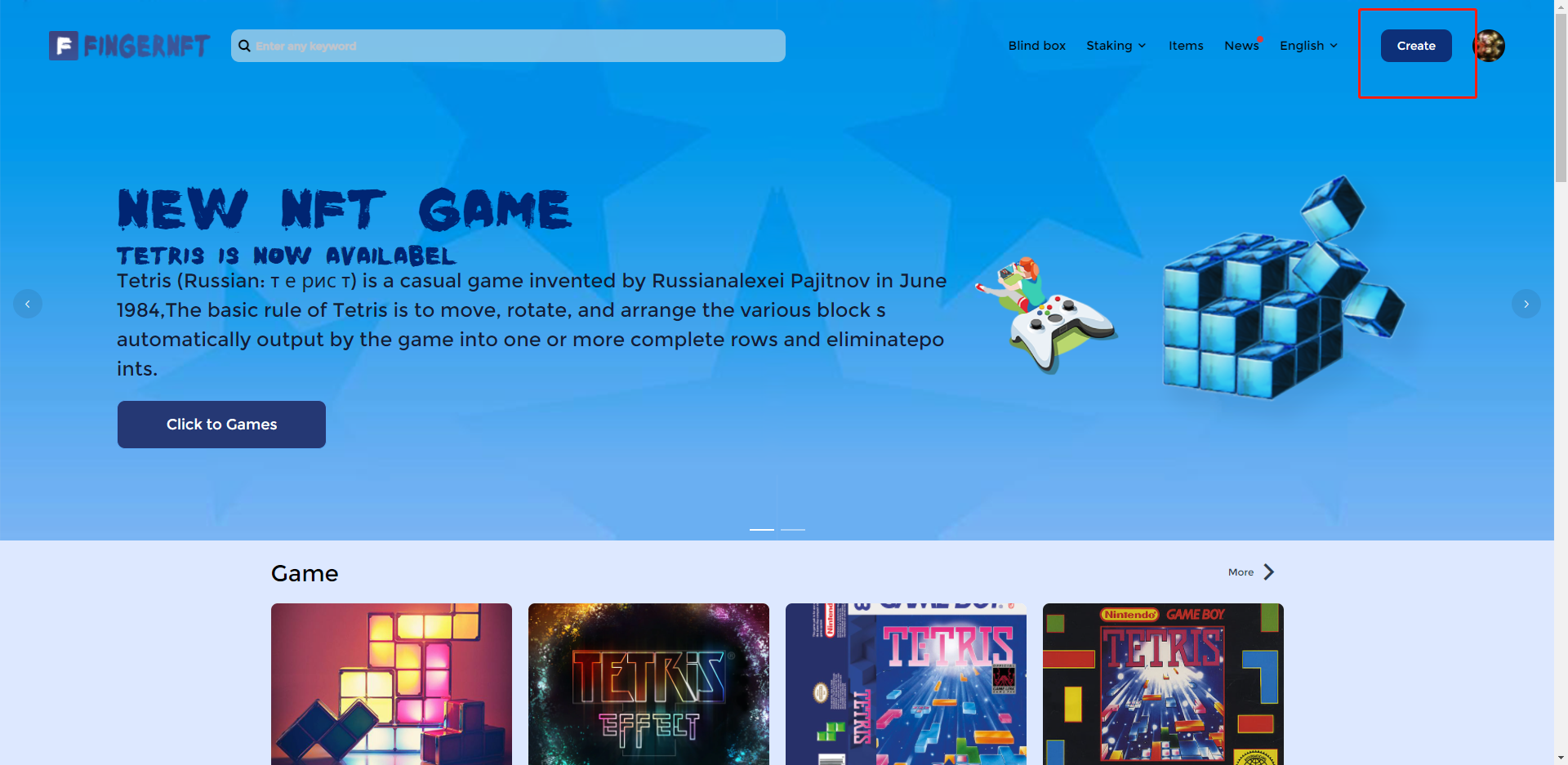
5. Click Create, you can select the type of NFT you want to create, if you only sell a work once, you can select "Create a single", if you want to sell multiple, select "Create multiple"

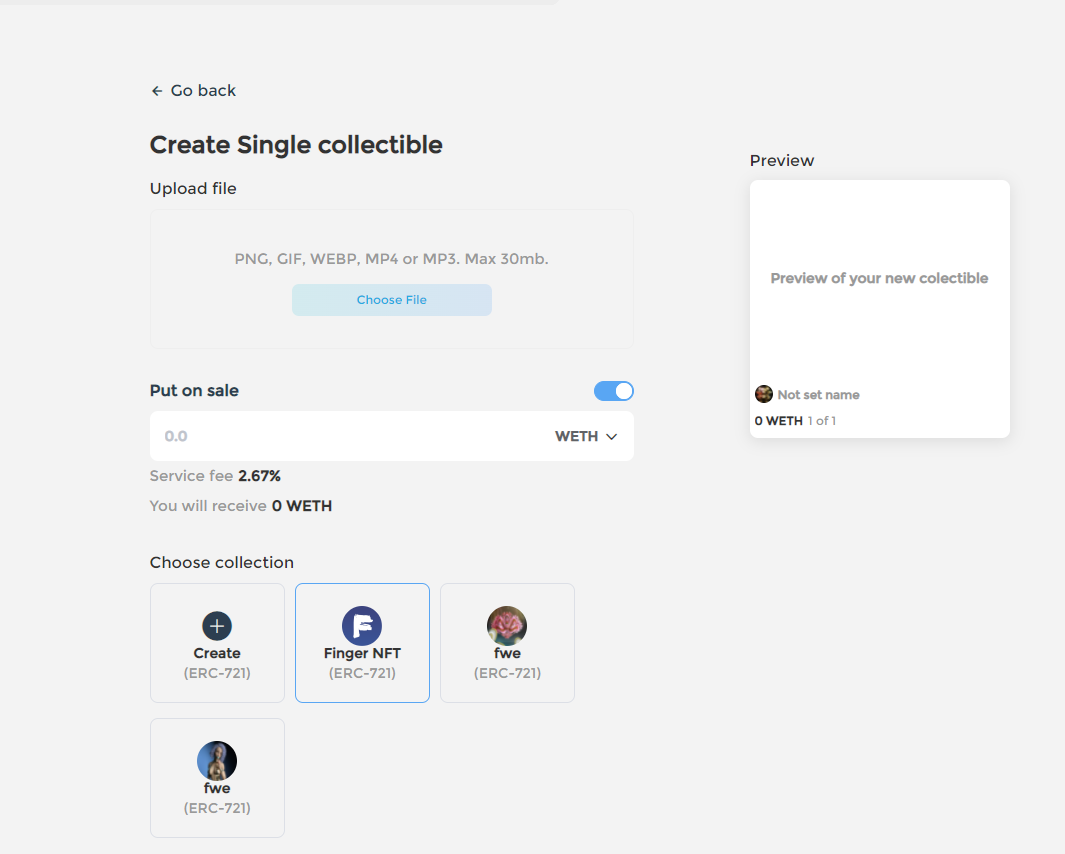
6. let's create a single click, click enter after fill in the details, you can upload video, audio, images, and other format files, set the name, description, attributes, to note that although we in the test chain, are free to create free NFT, but if in chain, information on our side to create perfect as far as possible don't write well, Otherwise it cannot be changed once it is created and sold.
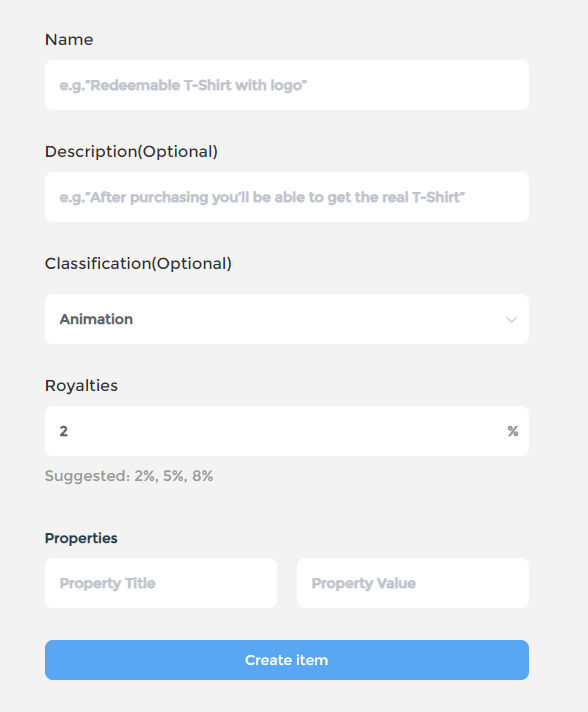
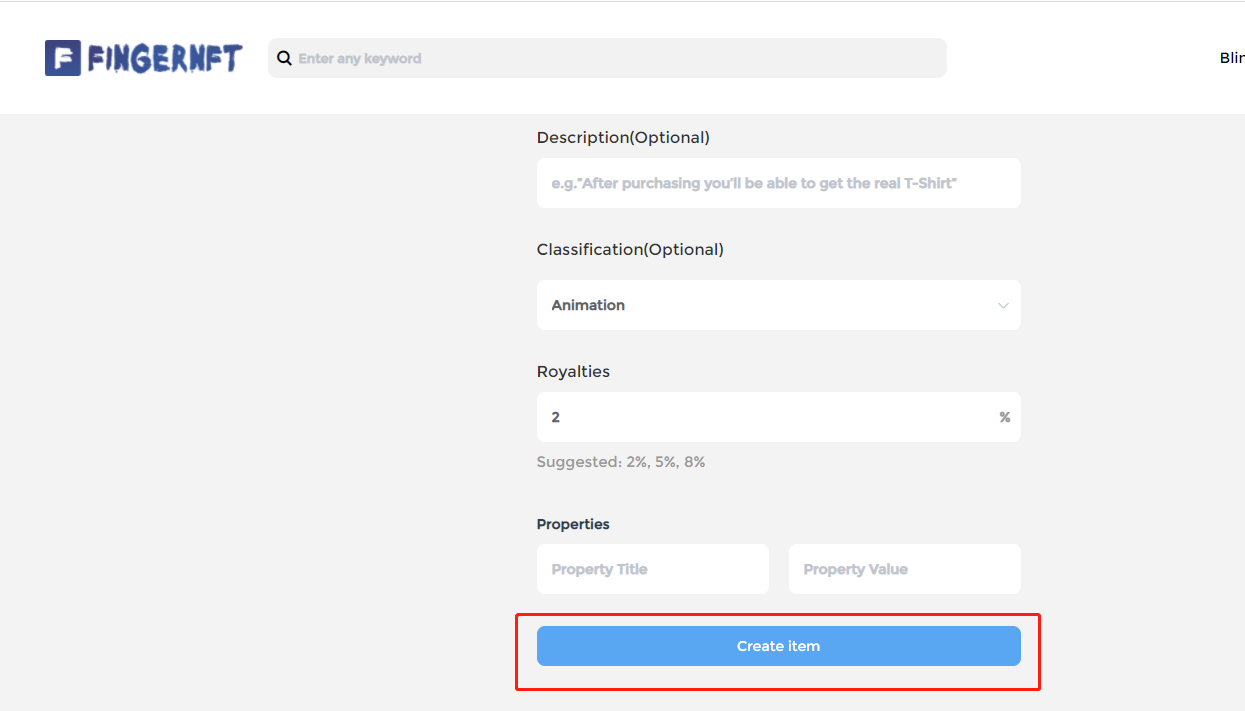
7. Click Create Project after filling in
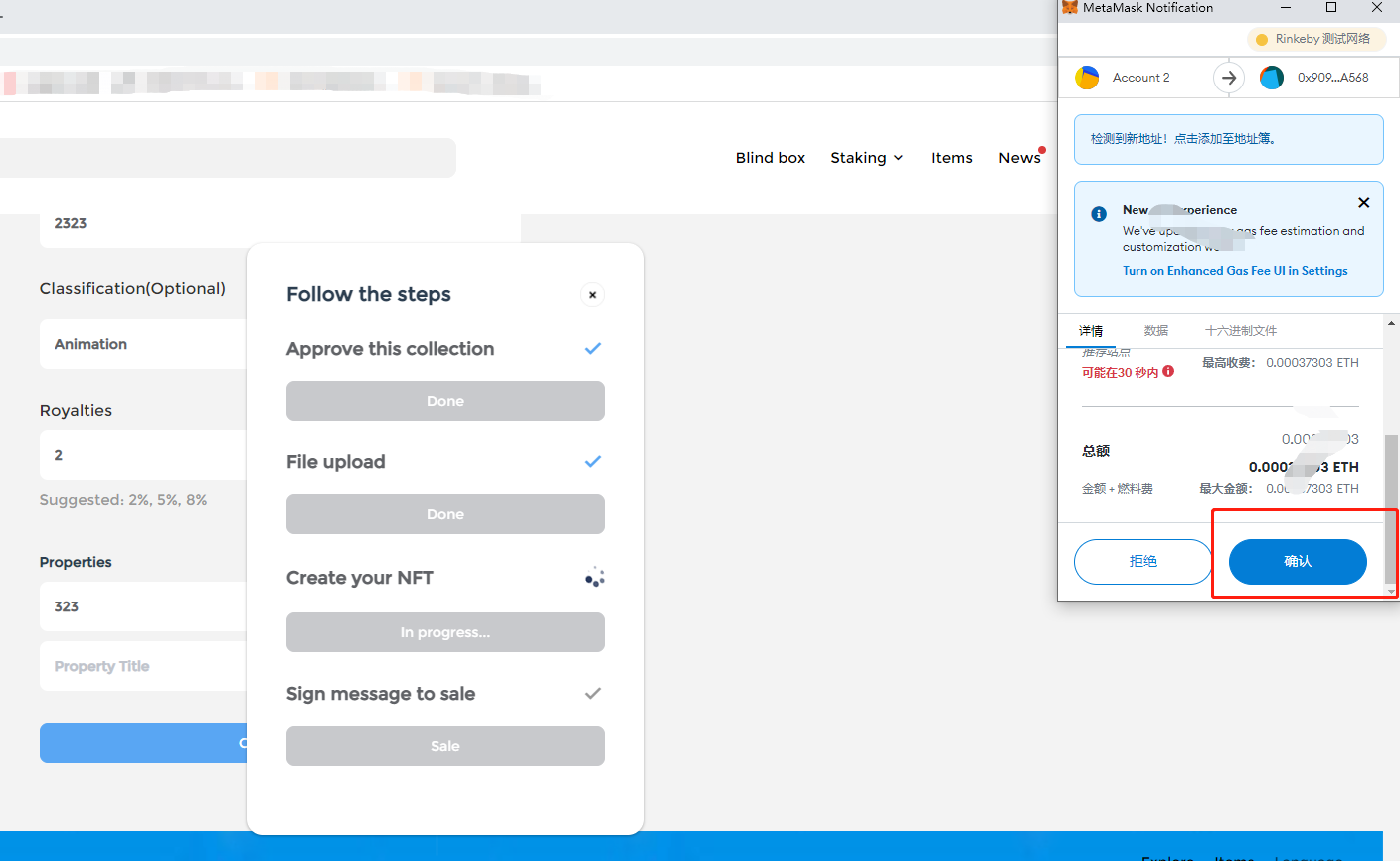
8. First of all, we need to authorize NFT to the system, so that we can sell it on the system. Next, we need to upload the file, cast our OWN NFT, link it to the wallet, and then click "Sell wallet" to confirm the sale

9. This completes the production and sale of NFT
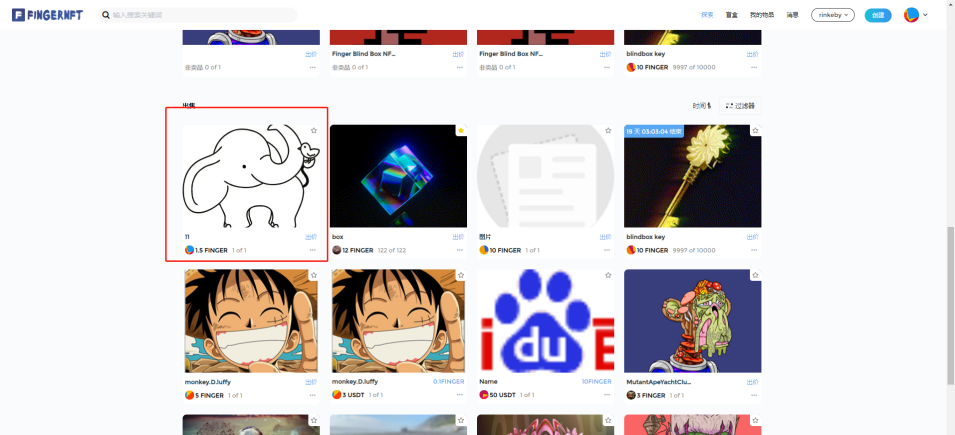
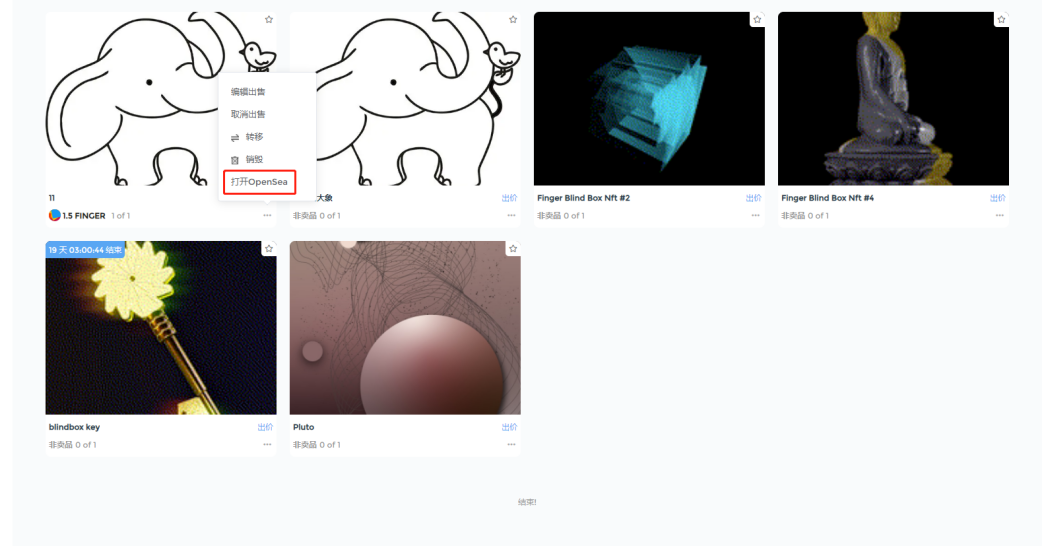
10. To see the NFT we created on the page, click the three points in the lower right corner of the image and select Open OpenSea, and you can also see the NFT we created on OpenSea